
diff options
| author | FangcatChina <f20091219@outlook.com> | 2026-07-26 15:46:34 +0000 |
|---|---|---|
| committer | FangcatChina <f20091219@outlook.com> | 2026-07-26 15:46:34 +0000 |
| commit | 44cda23280c6e78f8539b29622a087eb4e69ad8a (patch) | |
| tree | f4d83f8055ff6c8be4d6cad81f50bcee48c9e605 /docs/getting-started/before-installing.md | |
| parent | Enhance input method documentation with framework details (diff) | |
Restructure, internal links, instant preview, Niri, concepts
Diffstat (limited to '')
| -rw-r--r-- | docs/getting-started/before-installing.md | 20 |
1 files changed, 10 insertions, 10 deletions
diff --git a/docs/getting-started/before-installing.md b/docs/getting-started/before-installing.md index 90f1224..9f78339 100644 --- a/docs/getting-started/before-installing.md +++ b/docs/getting-started/before-installing.md @@ -4,9 +4,9 @@ 在开始之前,您需要准备好一个空U盘(建议8GB以上),并且(最好)关闭电脑的安全启动 (Secure Boot) 功能。 -如果您使用Windows,可以参考这篇较为简单的[教程](https://zhuanlan.zhihu.com/p/719651215)进入BIOS。 +如果您使用Windows,可以参考这篇较为简单的[教程](https://zhuanlan.zhihu.com/p/719651215)进入[BIOS](../concepts/operating_system/bios.md)。 -进入BIOS后,请通过方向键进入Security->Secure Boot,并将其设置为Disabled状态。 +进入[BIOS](../concepts/operating_system/bios.md)后,请通过方向键进入Security->Secure Boot,并将其设置为Disabled状态。 各品牌、型号电脑关闭安全启动的方法不同,如果与提供的路径不同,我们建议您使用AI辅助或搜索具体解决方案。 @@ -15,7 +15,7 @@ ## 选择发行版 -发行版选择至关重要,这会从根本上决定您的日常使用体验。我们建议您参考网络资料与用户评价进行选择,或者被其他人“带师”。 +[发行版](../concepts/linux/distro.md)选择至关重要,这会从根本上决定您的日常使用体验。我们建议您参考网络资料与用户评价进行选择,或者被其他人“带师”。 !!! warning "警告" 如果您初入Linux,我们建议您选择Debian系或红帽系发行版试水。**我们不建议任何新手用户直接使用Arch Linux!!!** @@ -79,15 +79,15 @@ 在继续之前,我们建议您阅读并**分辨**以下概念章节: - - 发行版 - - 桌面环境 - - 窗口管理器 - - 平铺/滚动式桌面 + - [发行版](../concepts/linux/distro.md) + - [桌面环境](../concepts/desktop/de.md) + - [窗口管理器](../concepts/desktop/wm.md) + - [平铺式桌面](../concepts/desktop/tiling_desktop.md) ## 调配分区 -我们建议您通过专业的分区工具(如[DiskGenius](https://www.diskgenius.cn/)和Windows的磁盘管理单元)进行分区。您需要用分区工具在电脑硬盘上腾出60GB以上(建议值)的**空闲**空间。我们不建议直接在DiskGenius等WIndows下软件创建分区,而是在安装时由安装程序进行创建,这可以保证系统的稳定性和分区一致性。 +我们建议您通过专业的[分区](../concepts/operating_system/partition.md)工具(如[DiskGenius](https://www.diskgenius.cn/)和Windows的磁盘管理单元)进行分区。您需要用分区工具在电脑硬盘上腾出60GB以上(建议值)的**空闲**空间。我们不建议直接在DiskGenius等WIndows下软件创建分区,而是在安装时由安装程序进行创建,这可以保证系统的稳定性和分区一致性。 我们建议您在操作完分区后用其他设备记录您磁盘的分区图示/顺序,这在安装系统时非常有用。 @@ -117,9 +117,9 @@  - COSMIC: 拥有优秀的窗口管理机制,自定义性强,是下一代的前卫Wayland桌面环境  - - Hyprland: 平铺窗口管理器,具有炫酷的视觉效果,并拥有Wayland的最新特性,不过配置复杂,并且只建议在Arch Linux上获得最佳体验 + - [Hyprland](../desktop/wm/hyprland.md): 平铺窗口管理器,具有炫酷的视觉效果,并拥有Wayland的最新特性,不过配置复杂,并且只建议在Arch Linux上获得最佳体验 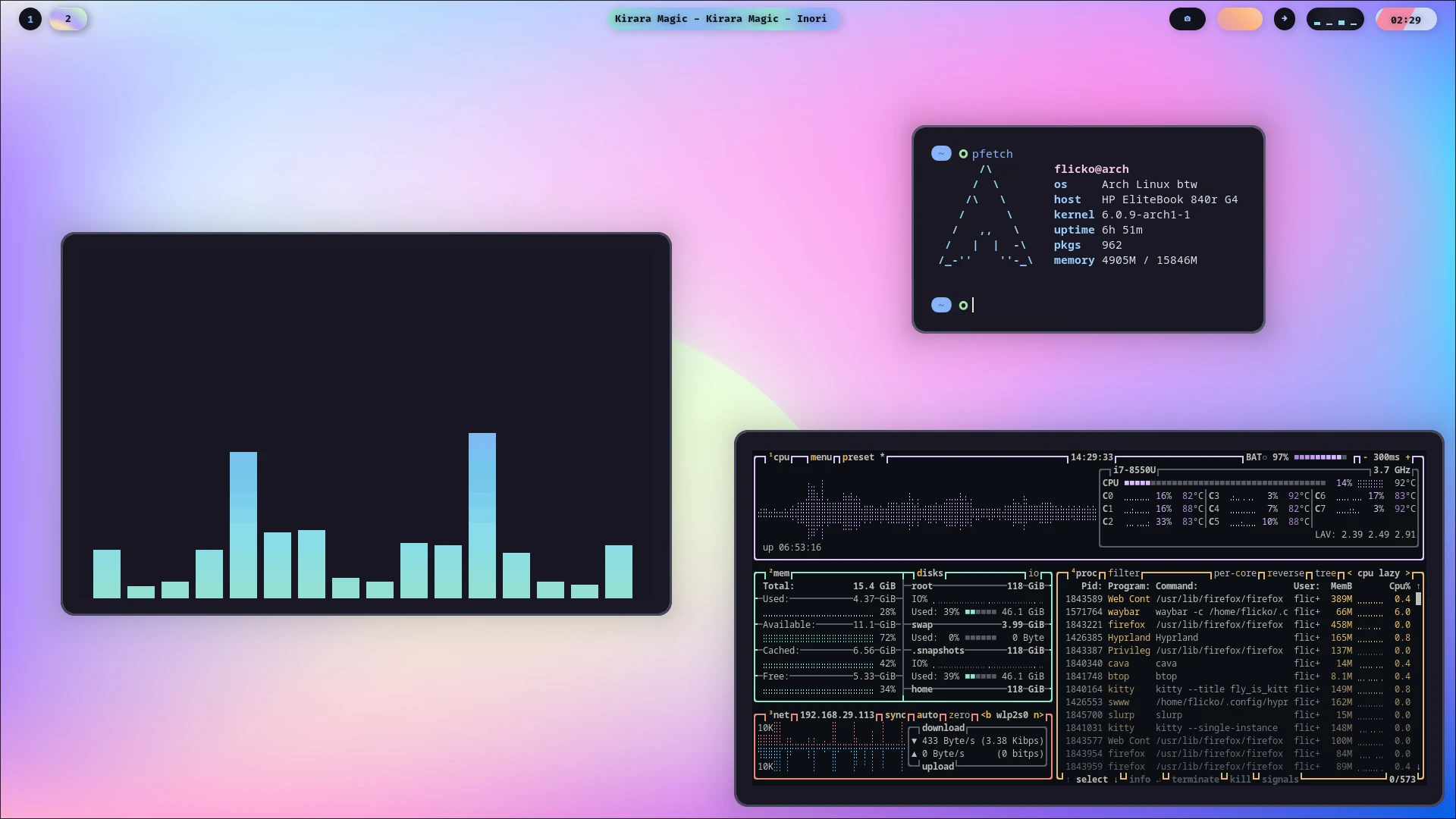 - - Niri: 滚动窗口管理器,比Hyprland更适合生产环境与触控板逻辑,同样配置复杂,但发行版覆盖范围广 + - [Niri](../desktop/wm/niri.md): 平铺窗口管理器,比Hyprland更适合生产环境与触控板逻辑,同样配置复杂,但发行版覆盖范围广  ## 烧录镜像 |