blob: 3c648abb8854525e5c273ed048479644d4220c66 (
plain)
1
2
3
4
5
6
7
8
9
10
11
12
13
14
15
16
17
18
19
20
21
22
23
24
25
26
27
28
29
30
31
32
33
34
35
36
37
38
39
40
41
42
43
44
45
46
47
48
49
50
51
52
53
54
55
56
57
58
59
60
61
62
63
64
65
66
67
68
69
70
71
72
73
74
75
76
77
78
79
80
81
82
83
84
85
86
87
88
89
90
91
92
93
94
95
96
97
98
99
100
101
102
103
104
|
# 安装前准备
## 准备工具
在开始之前,您需要准备好一个空U盘(建议8GB以上),并且(最好)关闭电脑的安全启动功能。
各品牌、型号电脑关闭安全启动的方法不同,我们建议您使用AI或搜索具体解决方案,在此不做提供。
## 选择发行版
发行版选择至关重要,这会从根本上决定您的日常使用体验。我们建议您参考网络资料与用户评价进行选择。
下面是一些由我们排序的发行版,这里仅仅是一个简单难易度和激进程度的对比,具体的其他优势请查阅其他资料,您也可以点开各自的链接来**了解并比较**。
<table border="1" cellspacing="0" cellpadding="10" style="border-collapse:collapse; text-align:center;">
<tr>
<td style="background: linear-gradient(to top right, transparent 49%, #333 49%, #333 51%, transparent 51%); position: relative; width: 70px; height: 40px;">
<span style="position: absolute; left: 2px; bottom: 2px;">难易度</span>
<span style="position: absolute; right: 2px; top: 2px;">激进度</span>
</td>
<td>激进</td>
<td>偏激进</td>
<td>偏保守</td>
<td>保守</td>
</tr>
<tr>
<td>困难</td>
<td>Arch Linux / Artix Linux / NixOS Unstable</td>
<td>Guix Linux</td>
<td>Gentoo Linux / NixOS Stable</td>
<td>LFS (Linux From Scratch)</td>
</tr>
<tr>
<td>较困难</td>
<td>Void Linux / Alpine Linux Edge</td>
<td>openSUSE Tumbleweed</td>
<td>Slackware</td>
<td>Alpine Linux Stable</td>
</tr>
<tr>
<td>较简单</td>
<td>Debian Sid / EndeavourOS</td>
<td>Debian Testing / Fedora / Manjaro / openSUSE Slowroll</td>
<td>CentOS Stream</td>
<td>Debian Stable / Rocky Linux / Alma Linux / openSUSE Leap</td>
</tr>
<tr>
<td>简单</td>
<td>Everynight Vista</td>
<td>openSUSE Aeon / Fedora Silverblue / Deepin</td>
<td>Ubuntu Release / Linux Mint Release</td>
<td>Ubuntu LTS /KDE neon / LMDE</td>
</tr>
</table>
或者,你也可以试试我们制作的[趣味测试](https://lati-fun.pages.dev/),虽然只是个demo版本。 (部署于Cloudflare Pages,访问可能缓慢)
## 调配分区
我们建议您通过专业的分区工具(如[DiskGenius](https://www.diskgenius.cn/)和Windows的磁盘管理单元)进行分区。您需要用分区工具在电脑硬盘上腾出60GB以上(建议值)的**空闲**空间。我们不建议直接创建分区,而是在安装时由安装程序进行创建,这可以保证系统的稳定性和分区一致性。
**请不要将Linux安装到任何NTFS文件系统的分区,这将导致你的系统完全无法启动!Linux对NTFS的支持尚不完善!我们不建议使用Linux来调整NTFS分区!!!**
**任何分区操作都存在风险,请您在操作之前确保已经备份了重要数据!!!**
## 下载镜像
您需要先到各发行版介绍中找到“镜像下载链接”下载系统镜像,我们建议您选择最新,并且预装您所需要的桌面环境的版本。
以下是一些常见的发行版标签:
- x86-64/amd64: 大多数PC(一般选这个)
- arm64/aarch64: 树莓派、IoT等设备
- desktop: 带桌面环境的系统(推荐)
- server: 服务器用系统,无桌面环境
一些桌面环境(您也可以在“桌面环境”(WIP)一章中进行比较):
- KDE (K Desktop Environment): 贴近Windows操作逻辑,有高度的自定义性与丰富主题

- GNOME: 贴近macOS界面,优雅、简洁,有多样的扩展(可能需要安装某些扩展、软件包来获得正常桌面体验)

- COSMIC: 拥有优秀的窗口管理机制,自定义性强

- Hyprland: 平铺窗口管理器,具有炫酷的视觉效果,并拥有Wayland的最新特性,不过配置复杂,并且只建议在Arch Linux上获得最佳体验
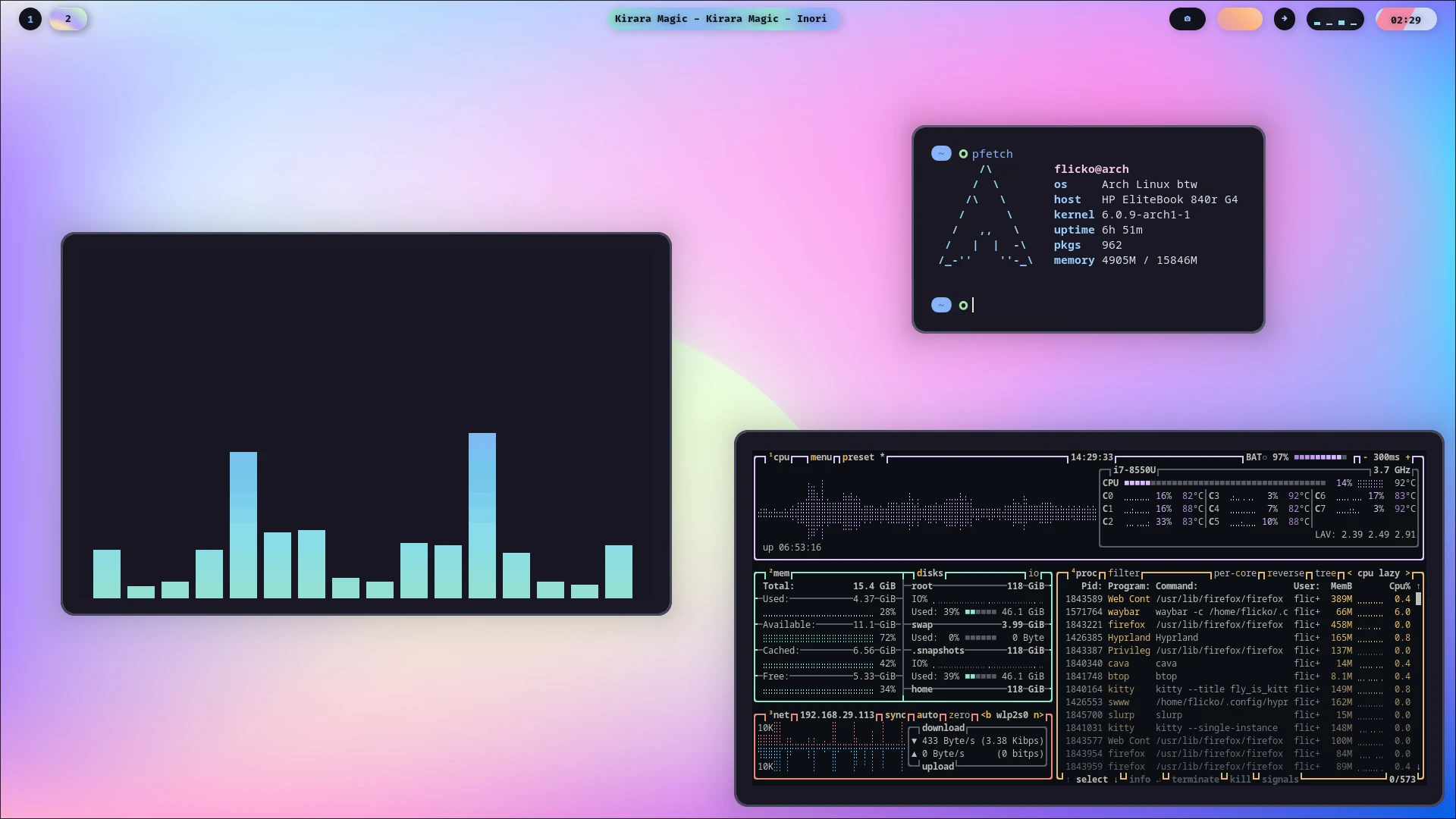
- Niri: 滚动窗口管理器,比Hyprland更适合生产环境与触控板逻辑,同样配置复杂,但发行版覆盖范围广

## 烧录镜像
在下载对应镜像后,您需要下载对应的烧录软件来将系统镜像烧录到U盘中。下面是一些比较热门的烧录软件。
- [Ventoy](https://www.ventoy.net/en/download.html)
- [balenaEtcher](https://etcher.balena.io/)
- [Raspberry Pi Imager](https://www.raspberrypi.com/software/)
**在烧录前,请确保您的U盘中没有重要资料!U盘的所有文件将被清空!!!**
---
好的,一切准备工作完成!打开下一章,开始踏入Linux吧!
|
